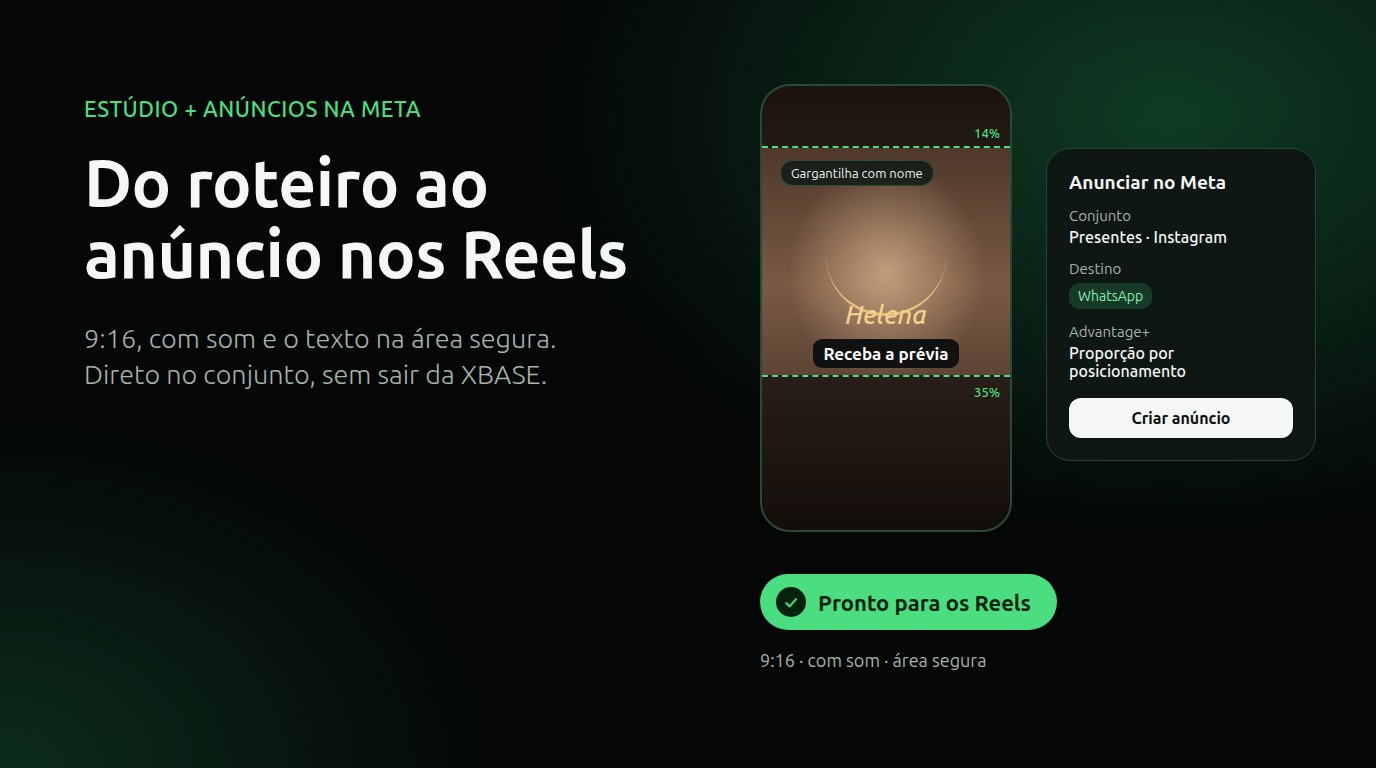
From script to Reels ad without leaving XBASE
Create the Reels in the Studio in 6 steps, already in the format Meta recommends for ads (9:16, with sound and text in the safe zone), and take the piece to the ad set with the WhatsApp button.
Analysis, guides and practical resources on the official WhatsApp, AI and customer service automation.

Create the Reels in the Studio in 6 steps, already in the format Meta recommends for ads (9:16, with sound and text in the safe zone), and take the piece to the ad set with the WhatsApp button.

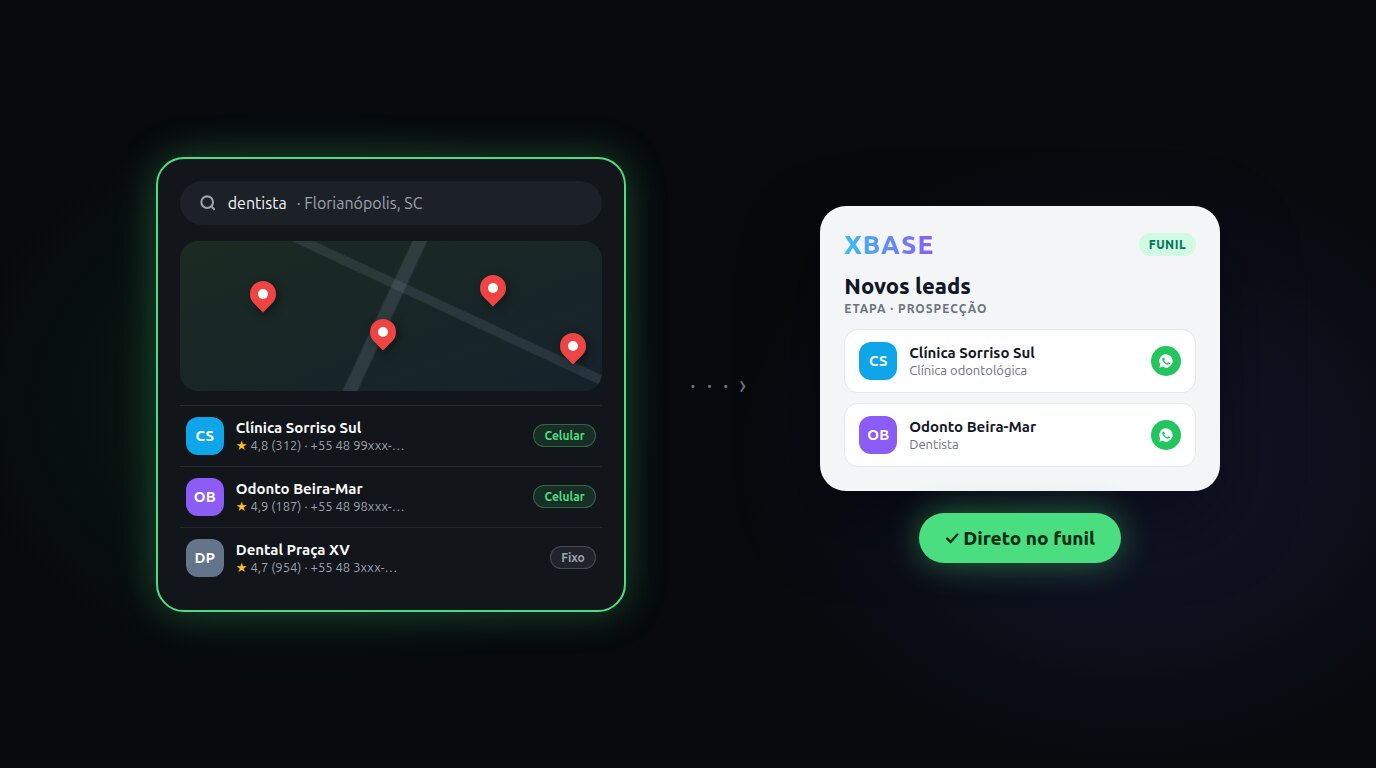
Enter a topic and a city: XBASE Prospecting brings in businesses from Google Maps with phone, website and rating, keeps the ones with a mobile number and sends the leads you pick to a funnel stage.

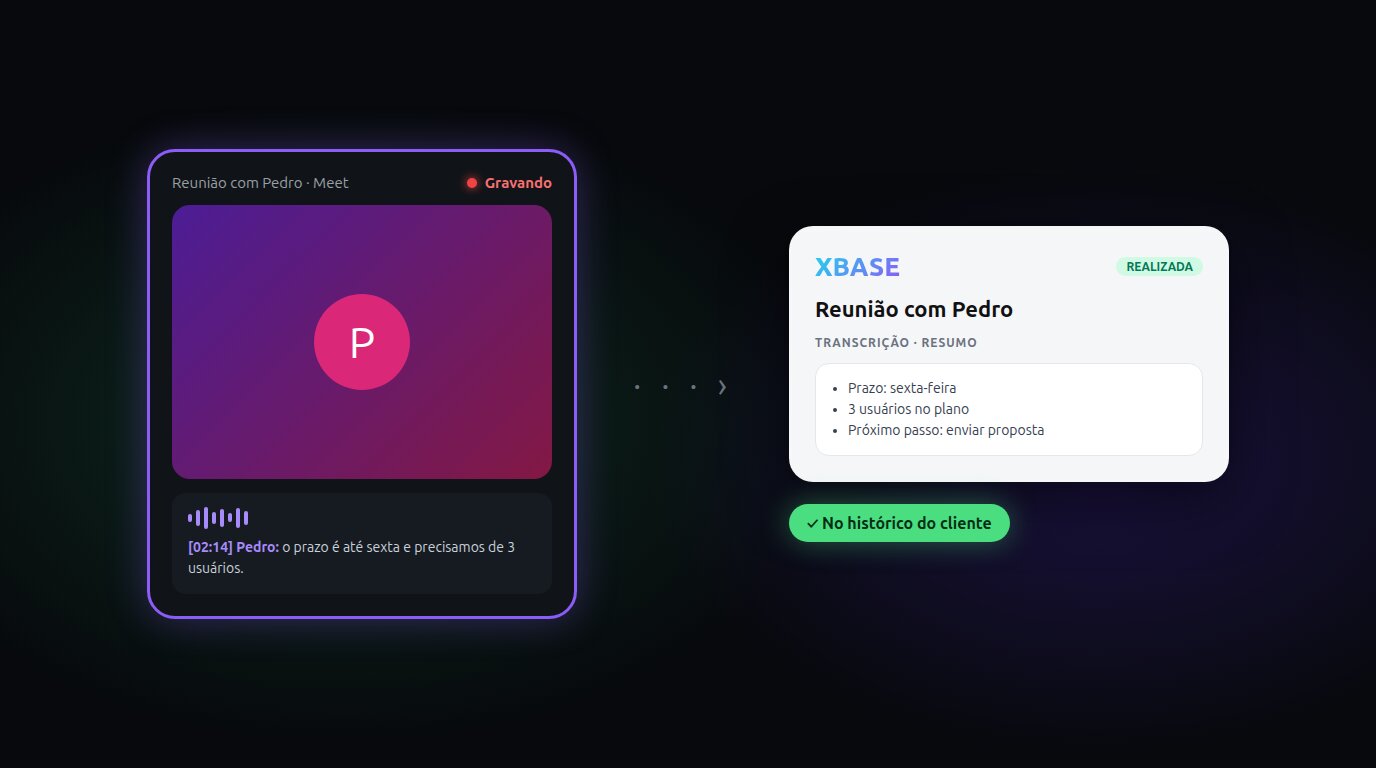
Record the meeting with Tactiq and bring the summary and transcript into the XBASE Calendar, next to the contact and the pipeline. Works with a paid Tactiq plan.

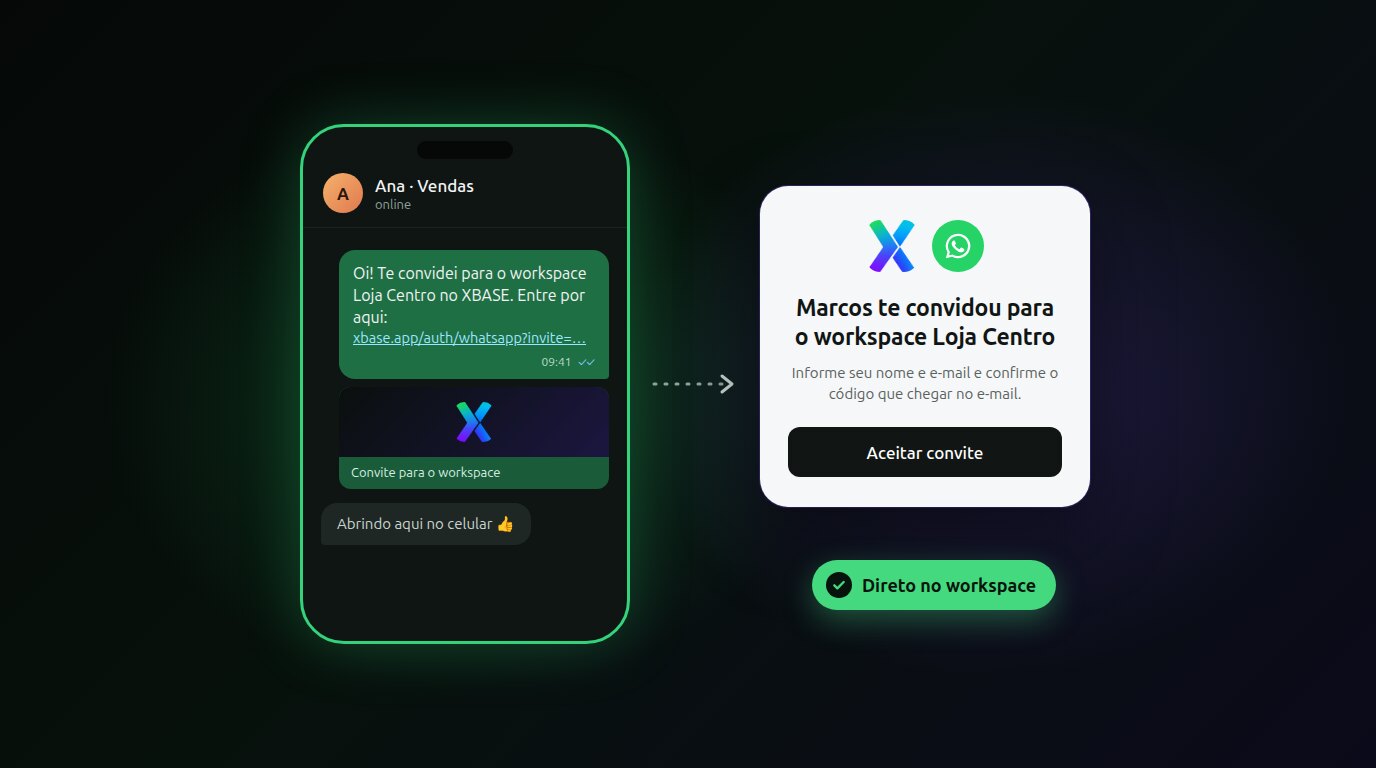
Type the person's number, send the link from your own WhatsApp and they go straight into your workspace, from their phone, already with the role you chose.

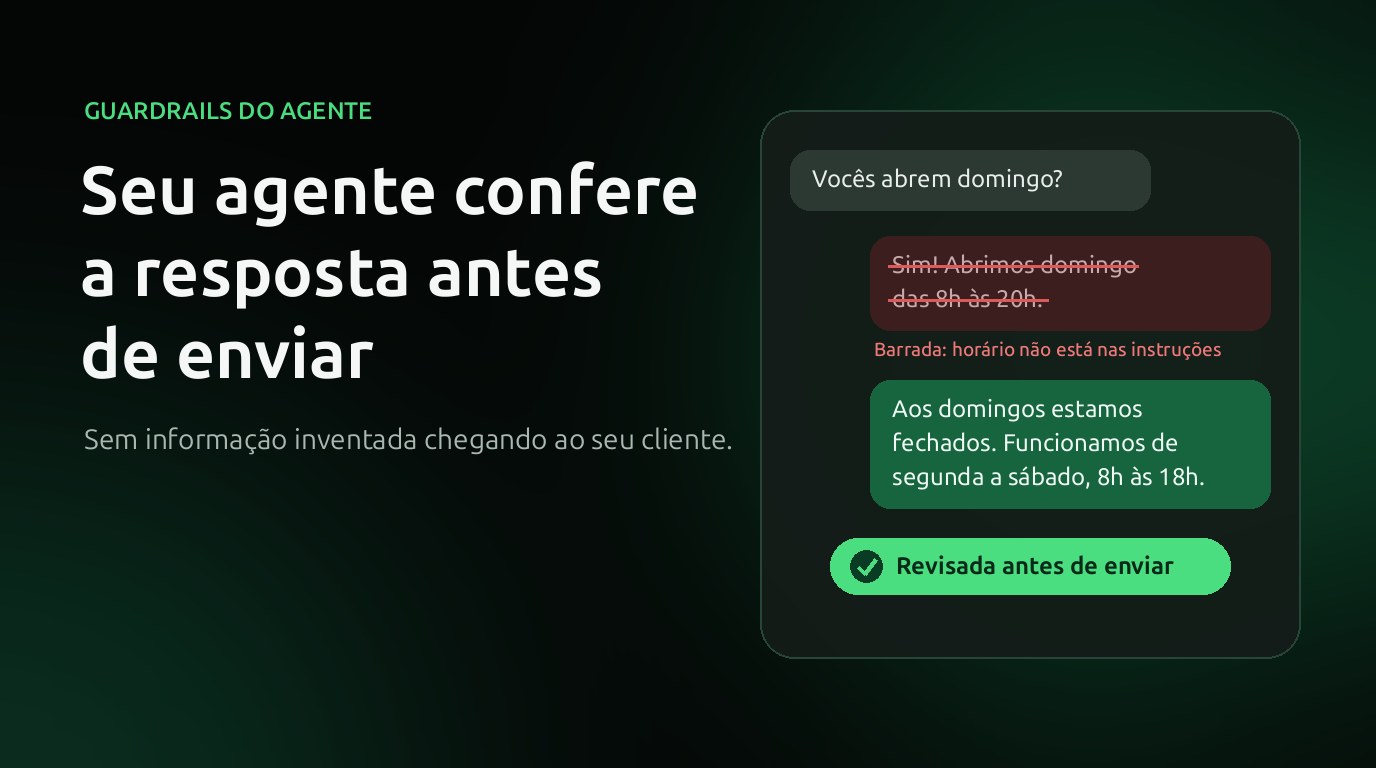
Afraid the AI will make up a price, opening hours or a promise? With XBASE guardrails, the agent's reply is reviewed before it reaches the customer and, if it isn't good, the agent answers again.

You can now get instant alerts on your phone and computer whenever a lead or customer messages you on WhatsApp, even with Xbase closed. See how it works and how to turn it on.

Xbase now has an icon on your phone and computer screen: it opens full screen, straight into the dashboard, with no app store. See how to install it on Android, iPhone and computer.

The same number can now work in the WhatsApp Business app and on the official API together. What coexistence is, what you gain, what changes on the phone and who it makes sense for.

On October 1, 2026, service messages and utility templates sent within the 24-hour window stop being free. What changes, how much it costs and what you can do now.